Did you know?
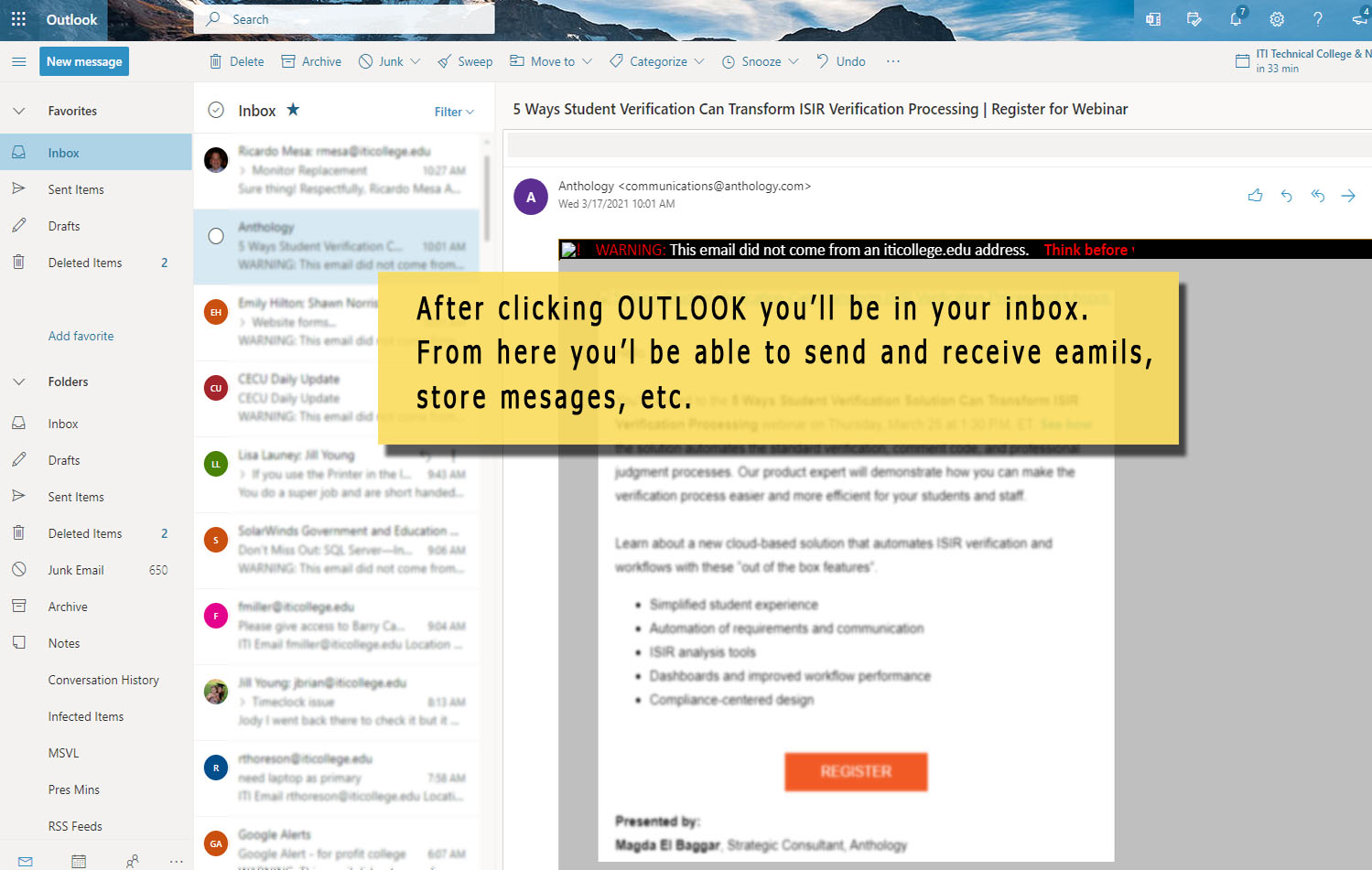
whether you access your ITI email from the Office 365 website, your office computer, using outlook or from your mobile device,
NO MATTER WHAT, you ARE using Office 365
Think of Office 365 as your post office. Outlook or the mail app on your phone acts as a mailbox that receives email deliveries from the post office.
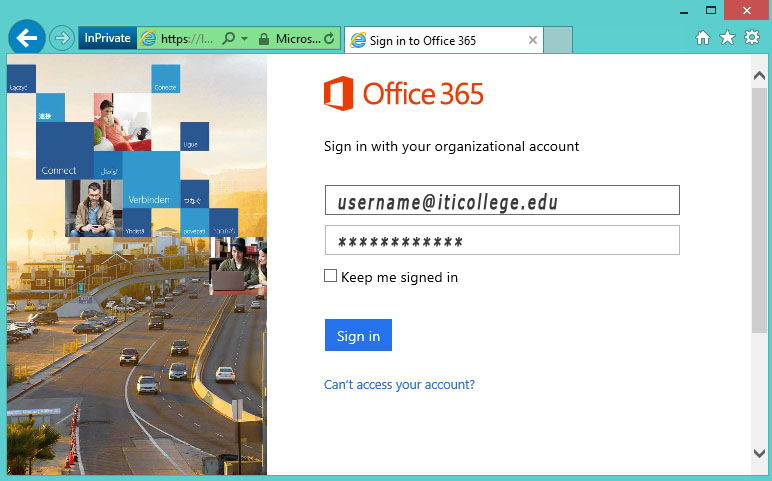
ITI, in partnership with 365, uses MFA or (Multi-Factor-Authentication) to protect your online identity. This means that in addition to providing a password, employees of ITI will need to prove their identity by inputting a security code that is pushed out by an Authentication app to approve the login. The “multi” in multi-factor means we’re using a minium of one additional form of verification beyond just a password.
Sign in to your work email
From a PC, log into your Work 365 account. you will be prompted for “More information”. Choose next on the next 3 screens until it allows you to show a QR Code.
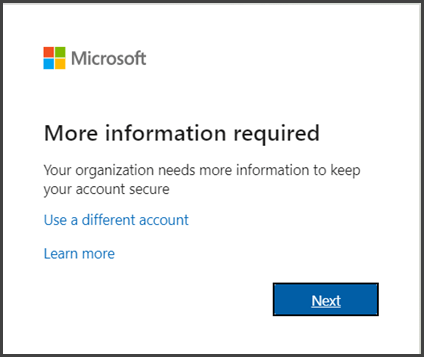
choose Next .
Keep your account secure
install the Microsoft Authenticator app to your device. Then, choose “Scan a QR Code”
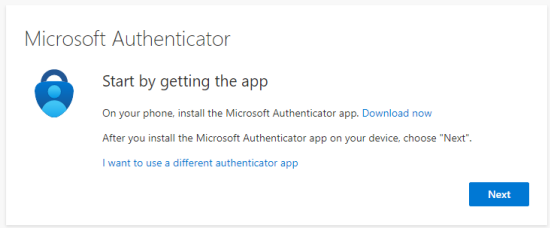
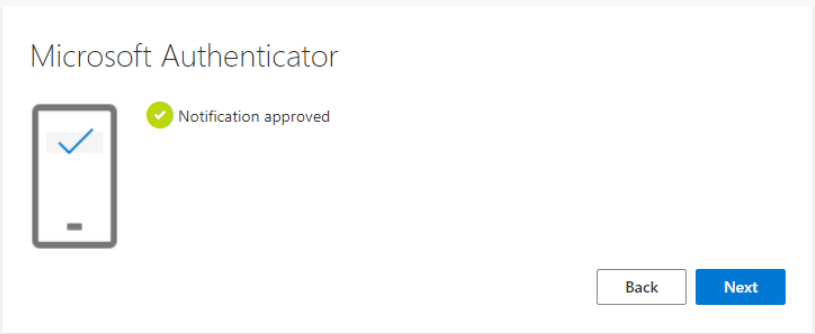
use your cell phone to scan the PC’s QR code The PC will now show a 2 digit code. Enter this code into your cell phone’s Authenticator app and click “Yes”
Continue working securely
Note: Generally you’ll only need the additional verification method the first time you sign into a new app or device, or after you’ve signed out of that device.
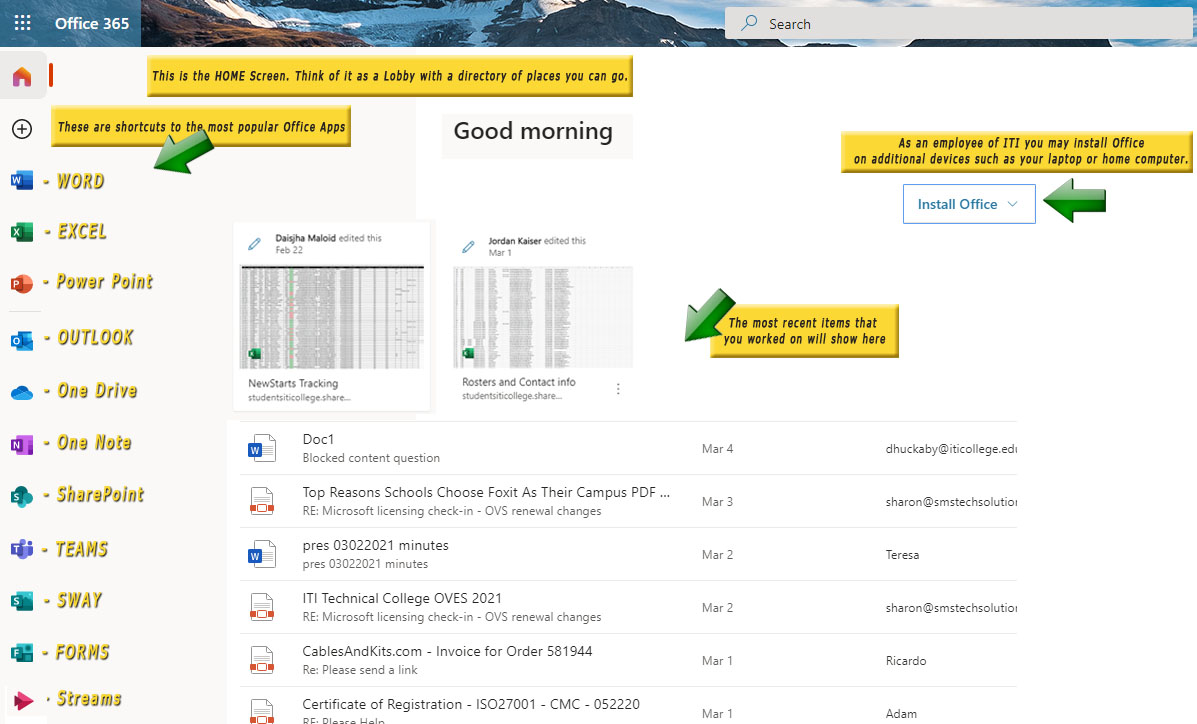
Office 365 Home Screen
Click the Home Screen Image to view larger

From the Home Screen click on the Outlook icon to go to your email