
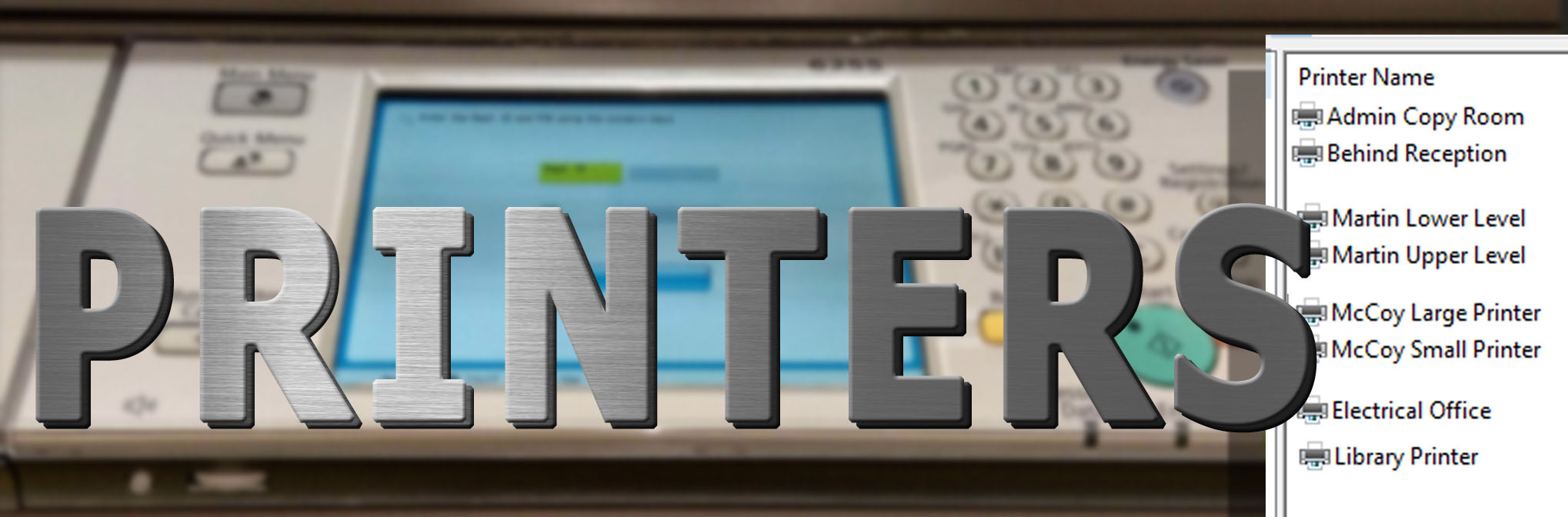
ITI has various printers available to you
We have Printers located in 4 buildings across the Campus. This guide will help you to understand which printers you’ll have access to and from which buildings.
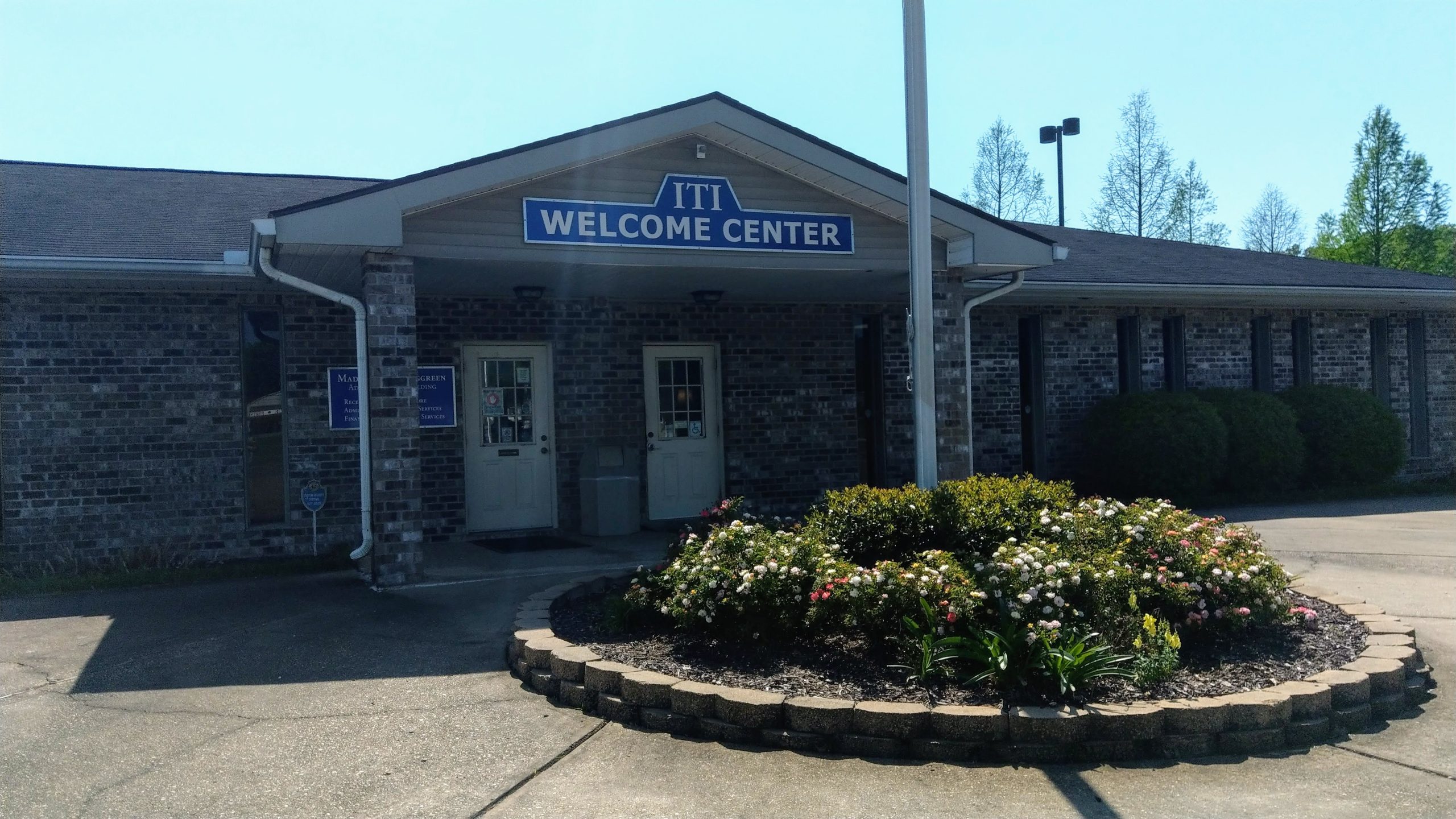
The Welcome Center
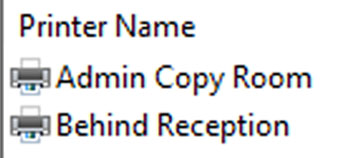
The Welcome Center Printers are accessible from ANY office machine.
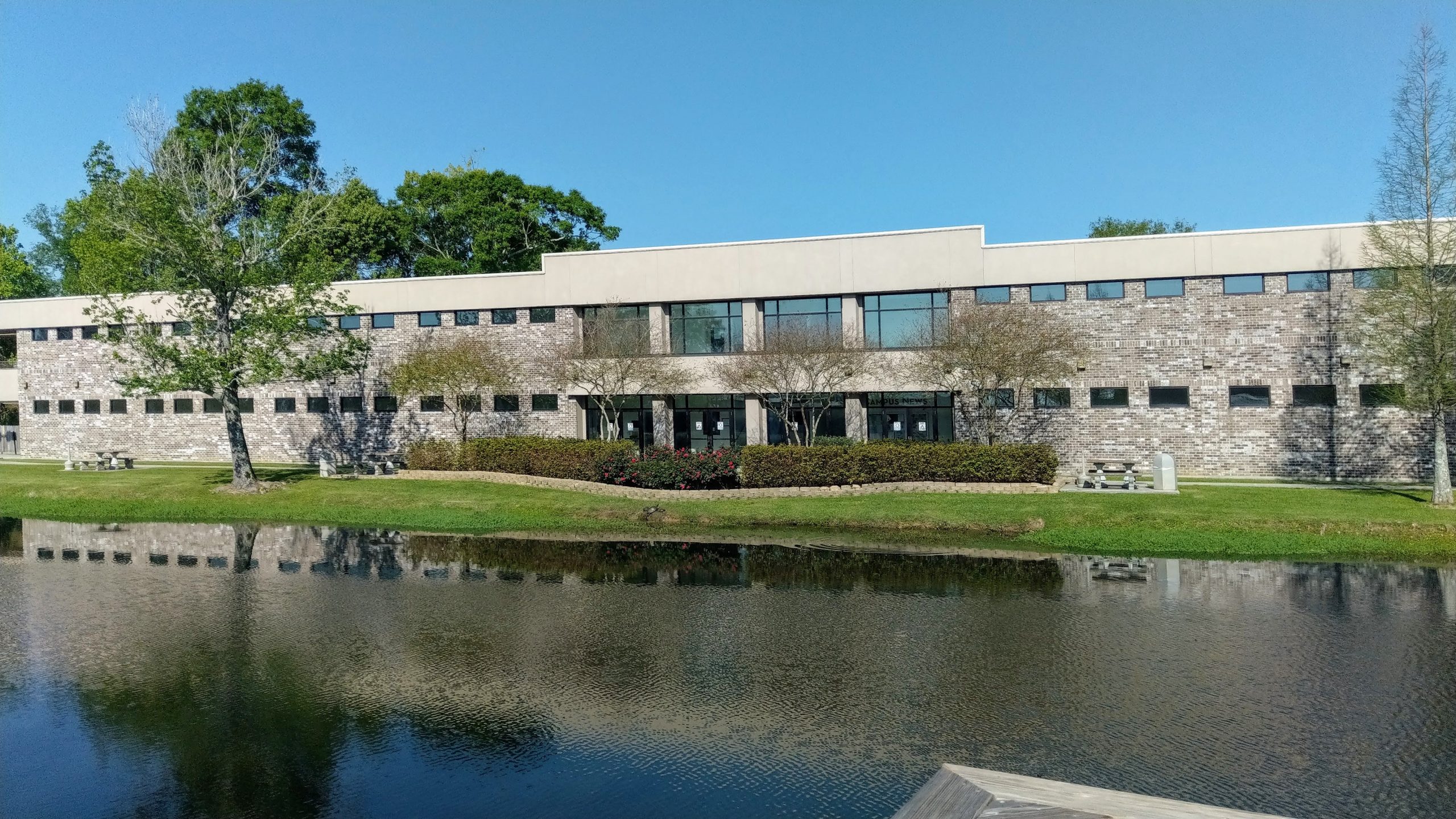
The Martin Building
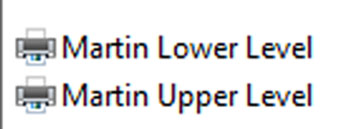
Martin Classrooms will print to the Lower Level Printer while the Offices will use the Upper Level
The Mccoy building
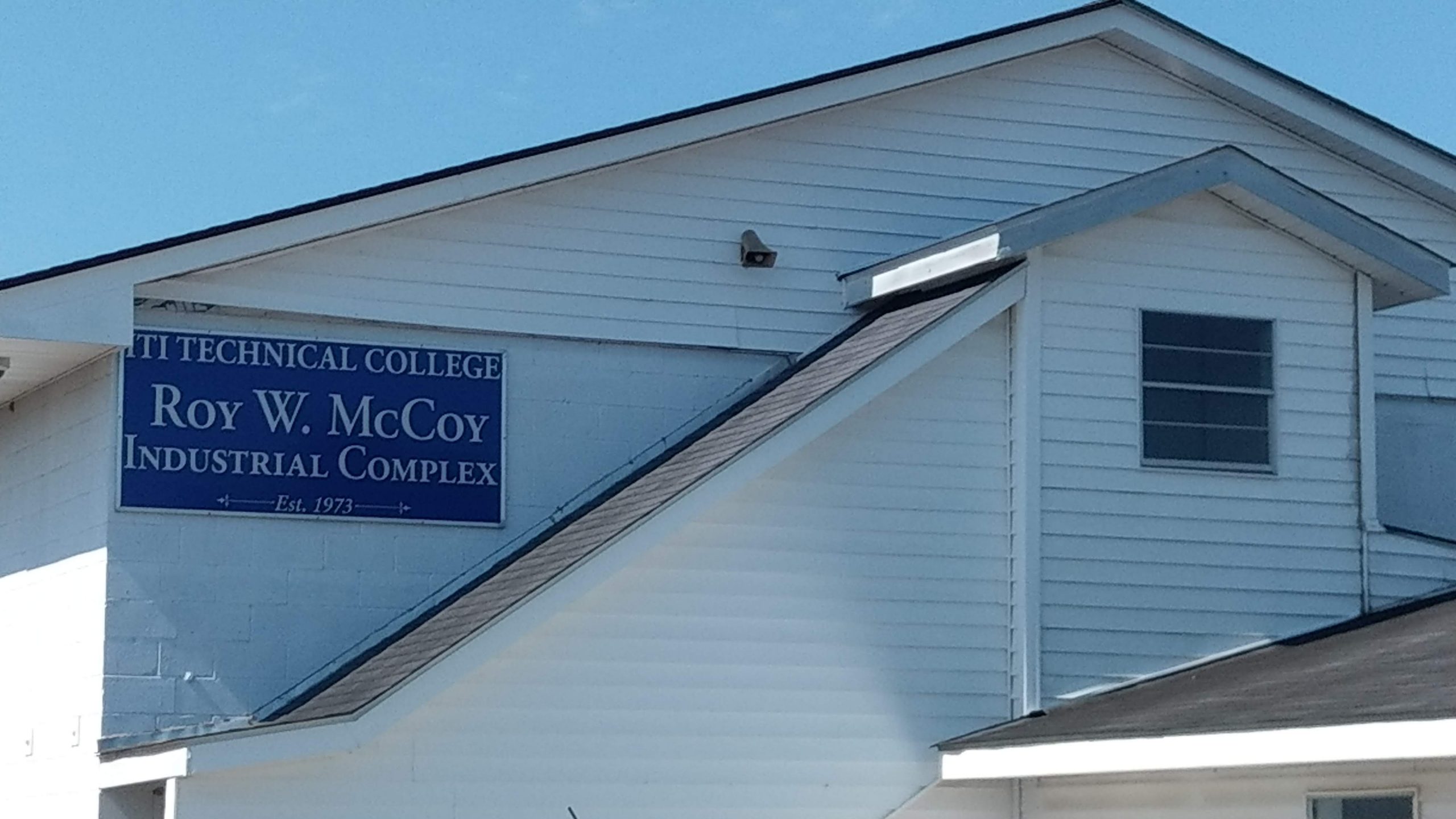
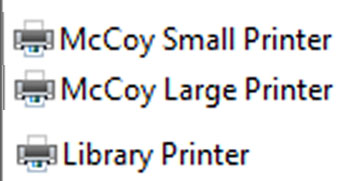
Offices in McCoy will use the McCoy Small Printer whereas the Large Printer is solely for Classroom use. Anyone using the Library in the McCoy Building will have access to a local library printer.
The Garrett Building
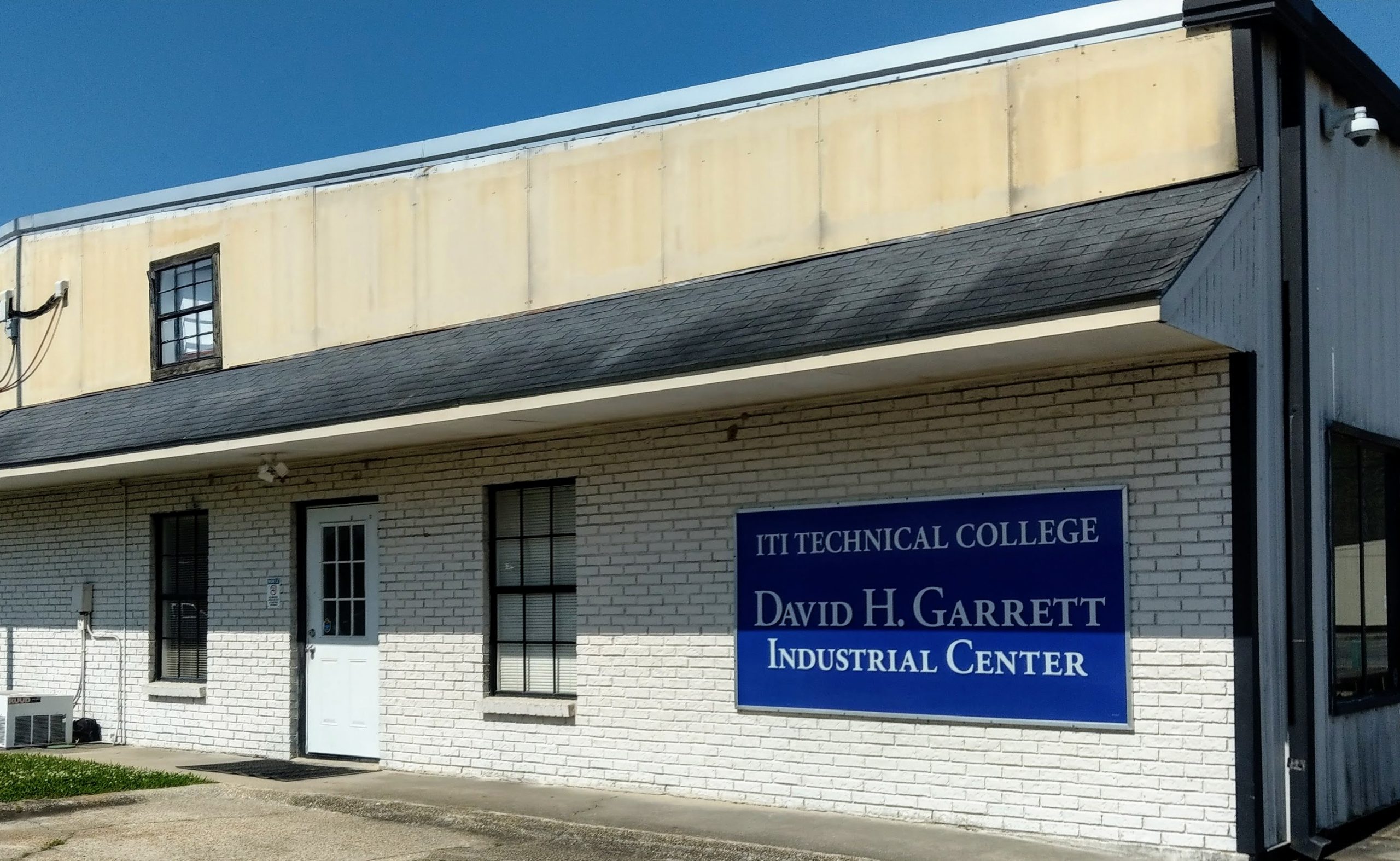
There are no Large printers in the Garrett building, however there is a small office printer available to print a quick roster etc.
How to use the Printers
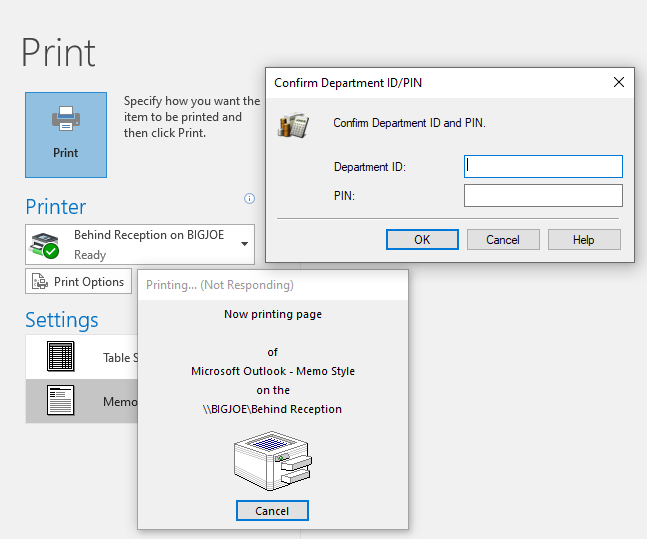
1. Select Printer
2. add your Printer Code.
under “Department ID”
3. leave Pin blank
4. click OK
Every Employee is issued a unique Printer Code. Depending on what building(s) you work in, your printer code should have been added to the printers in your building(s).