
How do I access Student First?
The first time you access Student First you will have to go through the steps to verify your ITI email account
If you have already gone through multi factor to authenticate your ITI email then you can continue on to the steps on the right to verify your iti email account with Student First
Student First,
Student First or S1s, is the software we use to navigate and manage all aspects of our prospective, current, and graduated Students.
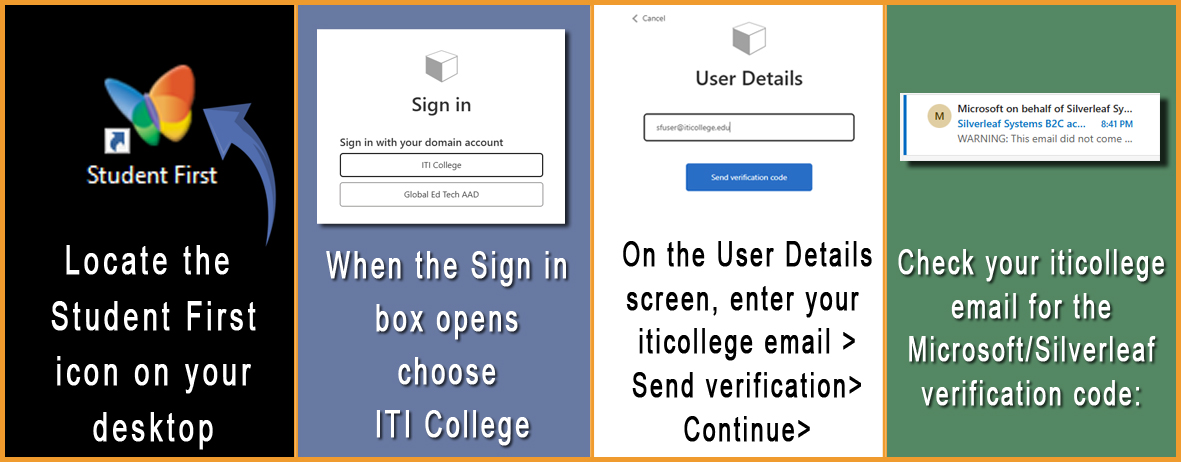
What to expect the first time you access Student First?
Below are some quick navigation starters. For full instructions please consult your Department Head
Student First Basics
Finding Student First
The Network Department provides a shortcut on every desktop, however, if you are at a computer that has no shortcut then you can simply navigate to:
https://staffportal.iticollege.edu/
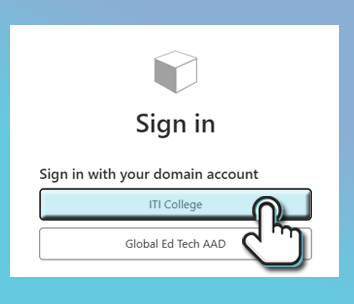
your S1s login?
Student First uses your Office 365 credentials. Therefore, when you log into S1s you will use your full email address
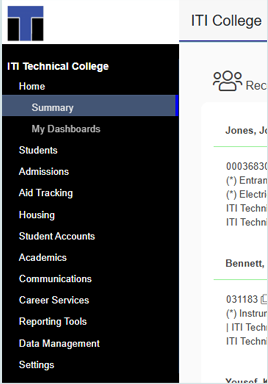
Your view
Depending on your role at ITI, your Menu view in Student First will display all the menu items you need to effectively navigate, assist students, work with documentation or run reports
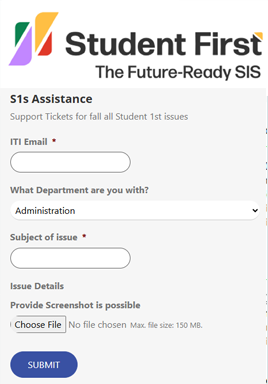
Report an issue
If you need assistance specifically related to the Student First software, please submit a request through the Student First Ticket System. Every employee should have a shortcut to this system on their desktop